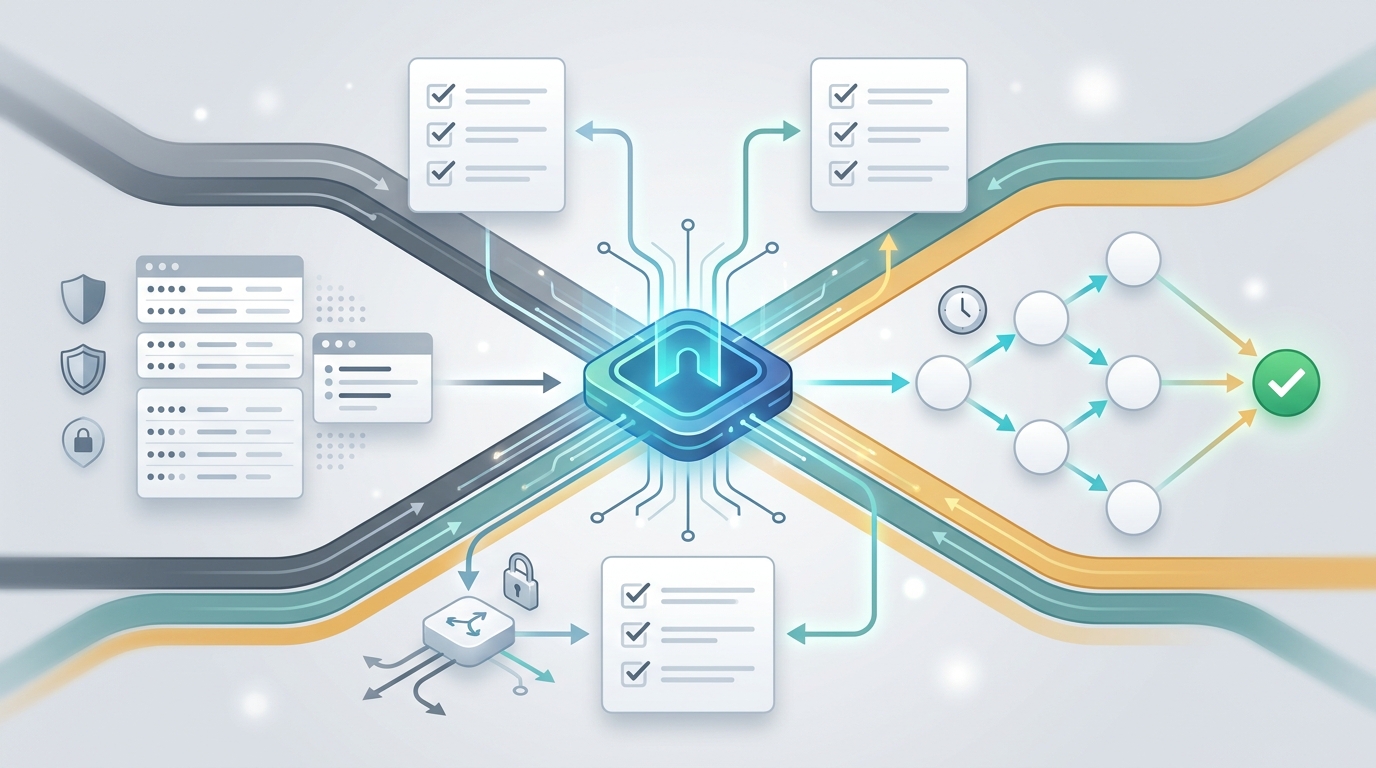
AI model pricing comparison gets messy as soon as your product uses more than one modality. Text models are often compared by input and output token rates. Image models add image input, output image tokens, quality settings, and edits. Video models may expose token-style rows, per-job rows, per-second-style rows, or provider-specific units. A useful comparison has to put all of those costs into one workflow instead of one static table.
As of June 11, 2026, Flatkey's live pricing API returned 653 pricing rows, 23 vendor records, and supported endpoint families for openai, anthropic, gemini, image-generation, openai-response, and openai-video. Treat those numbers as a publish-day snapshot. Before you launch production traffic, re-open Flatkey pricing and verify the exact model row your application will call.
The practical answer: use AI model pricing comparison to shortlist models, then use your dashboard, quota settings, and usage logs to measure cost per successful outcome. The cheapest row is not always the cheapest feature if retries, cache misses, image quality settings, or video job failures change the real bill.
Quick Answer: How To Compare AI Model Pricing
A strong AI model pricing comparison separates the billing unit before comparing numbers.
| Cost Type | Typical Pricing Signal | What Changes The Bill | Flatkey Check |
|---|---|---|---|
| Text tokens | Input-side ratio, output/completion ratio, cache ratio. | Prompt length, generated tokens, context reuse, retries, and cache hit rate. | Compare model_ratio, completion_ratio, and cache_ratio for the exact model row. |
| Image generation | Token-style image rows or fixed model_price rows depending on the model. |
Prompt size, input images, output model, quality, resolution, edits, and failed attempts. | Filter rows by image-generation and confirm whether the row is token-style or fixed-price. |
| Video generation | Token-style rows, openai-video rows, or non-token model_price rows. |
Duration, resolution, generation mode, queue retries, and provider unit rules. | Filter rows by video model name and endpoint family, then verify the displayed unit on /pricing. |
| Operations cost | Quota limits, prepaid balance, recharge records, and usage logs. | Team ownership, runaway traffic, fallback routing, and invoice review time. | Use the dashboard to review keys, usage, routing, and billing visibility. |
This is why a real AI model pricing comparison should start with units, not rankings. A text model with a higher output ratio may still be cheaper for short responses. An image model with a low per-output signal can become expensive if a product retries every failed render. A video model with a compact row may still need strict quota controls because each user action can trigger a heavy job.
Current Flatkey Pricing Snapshot
The table below summarizes the live Flatkey pricing export used for this article. It is included so readers can audit the basis of the comparison without relying on stale copied prices.
| Pricing API Field | Publish-Day Value | Why It Matters |
|---|---|---|
success |
true |
The pricing endpoint returned a valid response before drafting. |
pricing_version |
a42d372ccf0b5dd13ecf71203521f9d2 |
Reviewer can compare against a later export if prices change. |
| Total rows | 653 | Flatkey pricing is a catalog, not a one-page provider table. |
| Endpoint families | openai, anthropic, gemini, image-generation, openai-response, openai-video |
The same dashboard can support text, image, video, and protocol-specific review. |
| Token-style rows | 642 rows with quota_type: 0 |
These rows should be compared through ratio fields such as input, output, and cache signals. |
| Non-token rows | 11 rows with quota_type: 1 |
These rows expose model_price; verify the rendered unit before budgeting. |
Flatkey also exposes group-level controls. In this snapshot, available group labels included Standard, Economy, Claude Economy, Claude Official, and Seedance Official. The pricing API also returned group ratios, so procurement and engineering teams should compare the exact group that will serve production traffic, not just the model name.
Token Model Pricing Comparison
For text and multimodal chat models, the fastest useful comparison is a row-level check of input-side ratio, output/completion ratio, and cache ratio. The following examples come from the June 11, 2026 Flatkey pricing export.
| Model Row | Endpoint | model_ratio |
completion_ratio |
cache_ratio |
Status In Snapshot |
|---|---|---|---|---|---|
gpt-4.1-mini |
openai |
0.2 | 4 | 0.25 | available |
gpt-4.1 |
openai |
1 | 4 | 0.25 | available |
claude-sonnet-4-6 |
anthropic and openai |
1.5 | 5 | 0.1 | available |
gemini-flash-latest |
gemini and openai |
0.15 | 8.333333 | 0.25 | available |
deepseek-v3.2 |
openai |
0.133 | 1.669173 | 0.484848 | available |
qwen3.5-27b |
openai |
0.15 | 8 | Not exposed | available |
Do not read this table as a universal winner list. It is a field-level AI model pricing comparison. If your product sends long prompts and short answers, input-side ratio matters more. If it generates long answers, completion ratio matters more. If your app repeats stable system context, cache behavior can change the result.
Image And Video Pricing Comparison
Image and video costs require a different lens. Some rows still behave like token-style rows. Others expose a fixed model_price field and need a unit check on the rendered pricing page. The same AI model pricing comparison workflow should handle both shapes.
| Model Row | Modality Signal | Pricing Shape | Live Field Values | Budgeting Note |
|---|---|---|---|---|
gemini-2.5-flash-image |
Image-capable model row | Token-style | model_ratio: 0.15, completion_ratio: 100, cache_ratio: 0.25 |
Separate prompt/input cost from generated image output behavior. |
gemini-3-pro-image-preview |
Image-capable model row | Token-style | model_ratio: 1, completion_ratio: 60 |
Confirm whether the preview model is appropriate for production and what quality setting your app uses. |
gpt-image-2 |
GPT image-family row | Token-style | model_ratio: 2.52525, completion_ratio: 6.4, cache_ratio: 0.249995 |
For OpenAI-specific budgeting details, see the OpenAI image API pricing guide. |
black-forest-labs/flux-1.1-pro |
image-generation and openai |
Non-token | model_price: 0.04 |
Verify the displayed unit before estimating image volume. |
bytedance/seedance-2.0-fast |
openai-video and openai |
Token-style | model_ratio: 0.391, completion_ratio: 4.956522 |
For the Seedance workflow, see Seedance API access. |
veo-3.0-fast-generate-001 |
Video model row | Non-token | model_price: 0.15 |
Confirm duration and unit assumptions before launch. |
sora-2 |
Video model row | Non-token | model_price: 0.3 |
Treat as a row to verify, not proof that every account should route it. |
The key lesson: image and video costs are not just "tokens with bigger numbers." They add output quality, resolution, duration, queue behavior, and model-specific unit rules. A dashboard-led AI model pricing comparison should keep those fields visible next to token rates.
A Dashboard Workflow For Pricing Review
Use this workflow before moving a model from test traffic to production traffic.
- Start from the model ID. Copy the exact model row from Flatkey pricing, not a provider nickname from a previous doc.
- Classify the billing shape. Check whether the row is token-style with
model_ratioandcompletion_ratio, or non-token withmodel_price. - Confirm endpoint family. Note whether your app calls
/v1/chat/completions,/v1/images/generations,/v1/video/generations, Gemini, Anthropic, or Responses-style routes. - Run a small traffic sample. Test representative prompts, image settings, or video jobs before using average estimates.
- Set quota limits. Use quota and key controls before opening the feature to a wider cohort.
- Review usage logs. Compare expected calls with actual routed calls, retries, cached context, and generated output.
- Check recharge records. Make sure prepaid balance, top-ups, and billing review match the product owner responsible for the feature.
This turns AI model pricing comparison into an operations loop. You are not just picking a row. You are creating a repeatable review that catches pricing drift, model-name drift, and runaway usage before it reaches finance.
Common Pricing Mistakes
| Mistake | Why It Breaks Budgets | Better Check |
|---|---|---|
| Comparing only input token rates | Output tokens, image output, and video generation can dominate total cost. | Track input, output, cache, image, video, and retries separately. |
| Using one price for every image | Resolution, quality, edits, and input images can change the effective cost. | Keep separate rows for drafts, edits, reference-heavy jobs, and final renders. |
| Ignoring availability status | A row may exist in the catalog while the latest availability check is not clean. | Check the row status and run a real request before launch. |
| Forgetting groups | Different groups can have different ratios and upstream behavior. | Compare the production group, not only the model name. |
| Skipping quota setup | One accidental loop can erase the savings from a lower unit price. | Set team, key, or feature-level limits before scale testing. |
When To Choose A Cheaper Row
A cheaper row is the right choice when it keeps quality, latency, reliability, and review cost inside your product requirements. For high-volume support classification, short-form extraction, or draft-only creative workflows, lower-ratio rows can make sense. For legal review, paid image output, or video generation that users wait on, the cheapest row may fail the real product test.
For commercial teams, the best AI model pricing comparison is cost per accepted result:
cost per accepted result =
  successful input and output cost
+ failed-call and retry cost
+ image or video generation cost
+ fallback route cost
+ review and operations overhead
That formula is why Flatkey's public positioning matters for pricing work. The current site copy emphasizes one API key, clear pricing, unified billing, token spend, recharge records, quota, and dashboard visibility. Those controls help teams compare cost in the same place they operate the model keys.
Use Flatkey For Cross-Modal Pricing Review
Flatkey is useful when your product mixes GPT, Claude, Gemini, DeepSeek, Qwen, GPT Image, Seedance, and other model families behind one key. Instead of opening a separate account and invoice review for each provider, you can route through one gateway and use one dashboard to review keys, usage, routing, and billing.
Use Flatkey pricing as the source of truth for publish-day routed prices. Use this article as the operating checklist: confirm the unit, compare token and non-token rows separately, set quotas, run a sample, then review usage logs after real traffic.
If you are comparing costs today, start with View Pricing, save the exact model IDs you plan to call, and review the first traffic sample in the dashboard before scaling. That is the safest way to make an AI model pricing comparison useful after the first table view.
FAQ
What is the best way to compare AI model pricing?
Start by separating billing units. Compare token-style models by input, output, and cache fields. Compare image and video rows by their exact model unit, quality setting, output shape, and retry behavior. Then verify real usage in the dashboard.
Can I use one table for token, image, and video model costs?
You can use one table for review, but the columns should change by modality. A useful AI model pricing comparison keeps token ratios, image output settings, video units, quota controls, and usage logs visible together.
Why does Flatkey tell me to recheck prices on publish day?
AI model catalogs change quickly. Model names, availability checks, endpoint families, group ratios, and provider units can change after a pricing article is written. The current pricing page and pricing API are the source of truth.
Do lower token rates always mean lower production cost?
No. Lower token rates can lose their advantage if the model produces longer outputs, fails more often, needs more retries, misses cache opportunities, or requires manual review. Compare cost per successful outcome.