If you need DeepSeek API access inside a product that already uses OpenAI-style SDKs, the cleanest migration path is usually not a full client rewrite. It is a base URL, API key, and model-ID decision.
DeepSeek's official API docs say the API uses formats compatible with OpenAI and Anthropic. As of June 11, 2026, the current DeepSeek model names in the official quickstart are deepseek-v4-flash and deepseek-v4-pro. The older aliases deepseek-chat and deepseek-reasoner are still documented, but DeepSeek marks both for deprecation on July 24, 2026 at 15:59 UTC.
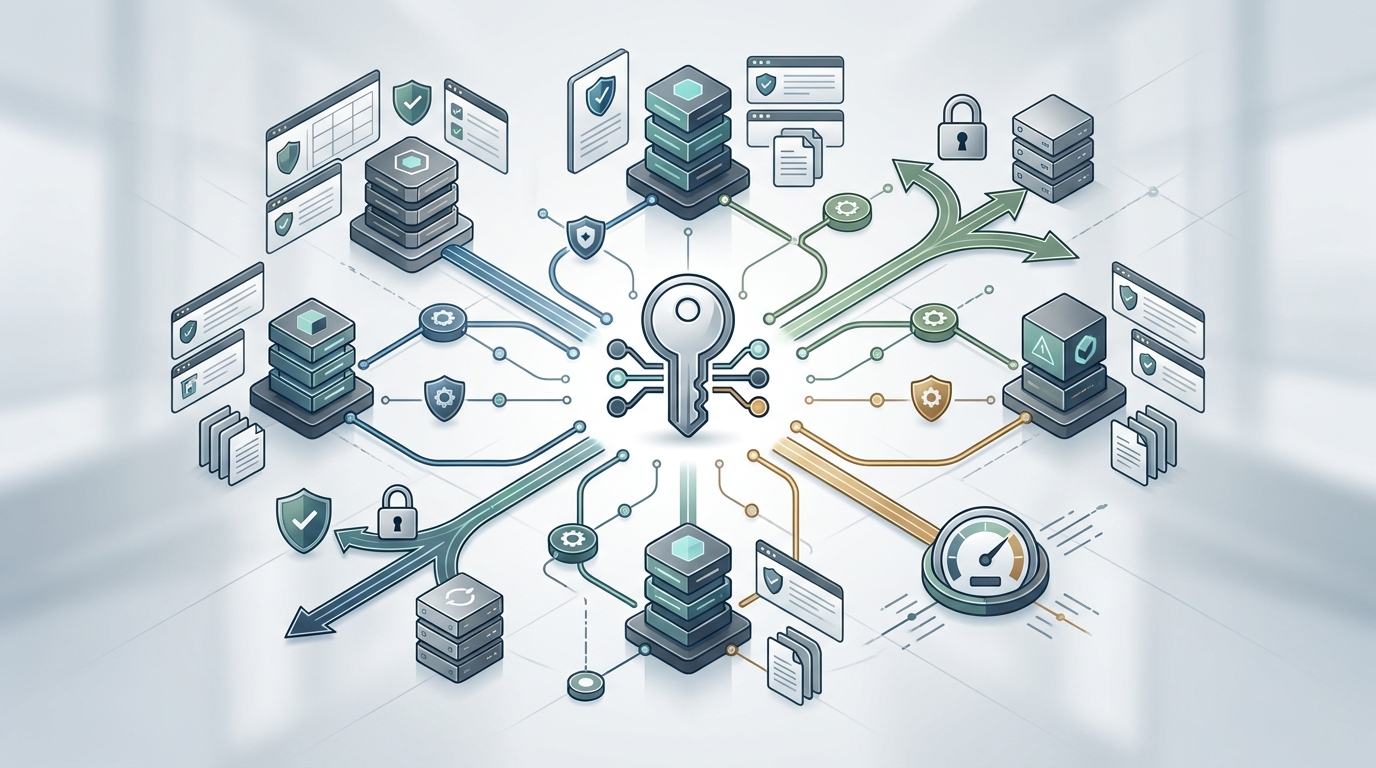
That model-name detail matters. A lot of DeepSeek API access guides still show old aliases or focus only on a direct provider key. This guide shows how to evaluate direct DeepSeek access and how to add DeepSeek through an OpenAI-compatible router such as Flatkey, where the same application pattern can sit next to GPT, Claude, Gemini, Qwen, Seedance, and image models.
Quick Answer: Direct DeepSeek API Access vs Router Access
The best DeepSeek API access path depends on what you want to own.
| Access Path | Use It When | What Changes In Code | What To Check |
|---|---|---|---|
| Direct DeepSeek API | You want a direct DeepSeek account, direct DeepSeek pricing, and DeepSeek's native docs as the source of truth. | Set the OpenAI SDK base URL to https://api.deepseek.com and use a DeepSeek API key. |
Current model names, deprecation notes, pricing, token limits, and rate limits in DeepSeek docs. |
| Flatkey OpenAI-compatible router | You want DeepSeek alongside other model families through one API key, unified billing, and a dashboard for keys, usage, and routing. | Set the base URL to https://router.flatkey.ai/v1, use a Flatkey key, and choose a Flatkey-listed DeepSeek model ID. |
Flatkey model catalog availability, model ID spelling, pricing page, and usage logs after the first call. |
| Self-hosted proxy | You need to operate your own gateway, policy layer, or private routing infrastructure. | Your app points to your proxy endpoint, and your platform team connects that proxy to provider accounts. | Deployment, secrets, observability, incident response, and provider account ownership. |
If your team only needs one DeepSeek workload and wants a direct commercial relationship, direct provider setup is straightforward. If your team is adding DeepSeek to an existing multi-model stack, router-based DeepSeek API access can reduce account sprawl and keep migration close to the OpenAI-compatible client pattern you already use.
The Current DeepSeek Facts To Verify First
Before you ship DeepSeek API access, verify model names on the day you publish or deploy. DeepSeek's official docs currently show this baseline:
| Field | Current Official Detail |
|---|---|
| OpenAI-format base URL | https://api.deepseek.com |
| Anthropic-format base URL | https://api.deepseek.com/anthropic |
| Current model IDs | deepseek-v4-flash and deepseek-v4-pro |
| Deprecated aliases | deepseek-chat and deepseek-reasoner are documented as deprecated after July 24, 2026 at 15:59 UTC. |
| Context and output | DeepSeek's pricing page lists 1M context length and a 384K maximum output for the current V4 models. |
| Pricing basis | DeepSeek's pricing page lists prices per 1M tokens and recommends checking the page for current pricing. |
That is why a modern DeepSeek API access guide should not hard-code deepseek-chat as the default model. If you use that alias today, create a migration plan to deepseek-v4-flash or deepseek-v4-pro. If you use a router, check whether your router catalog exposes the current DeepSeek model IDs, older compatibility aliases, or both.
Direct DeepSeek API Access With The OpenAI SDK
For direct DeepSeek API access, the setup looks familiar if your app already uses the OpenAI SDK. You create a client, change the base URL, use a DeepSeek API key, and call a DeepSeek model.
import OpenAI from "openai";

const client = new OpenAI({
  apiKey: process.env.DEEPSEEK_API_KEY,
  baseURL: "https://api.deepseek.com"
});

const response = await client.chat.completions.create({
  model: "deepseek-v4-pro",
  messages: [
    { role: "system", content: "You are a concise technical assistant." },
    { role: "user", content: "Summarize this migration plan." }
  ],
  stream: false
});

console.log(response.choices[0].message.content);
Use this path when the DeepSeek account itself is part of the requirement. Direct DeepSeek API access keeps DeepSeek's docs, pricing, rate limits, and support path as the primary operating model.
The direct setup also gives you the least ambiguity around DeepSeek-specific parameters. DeepSeek's current examples include thinking-related fields for V4 models. If those parameters matter to your workload, test them directly against DeepSeek first, then confirm whether your router passes the same fields through before using them in production through a gateway.
DeepSeek API Access Through Flatkey
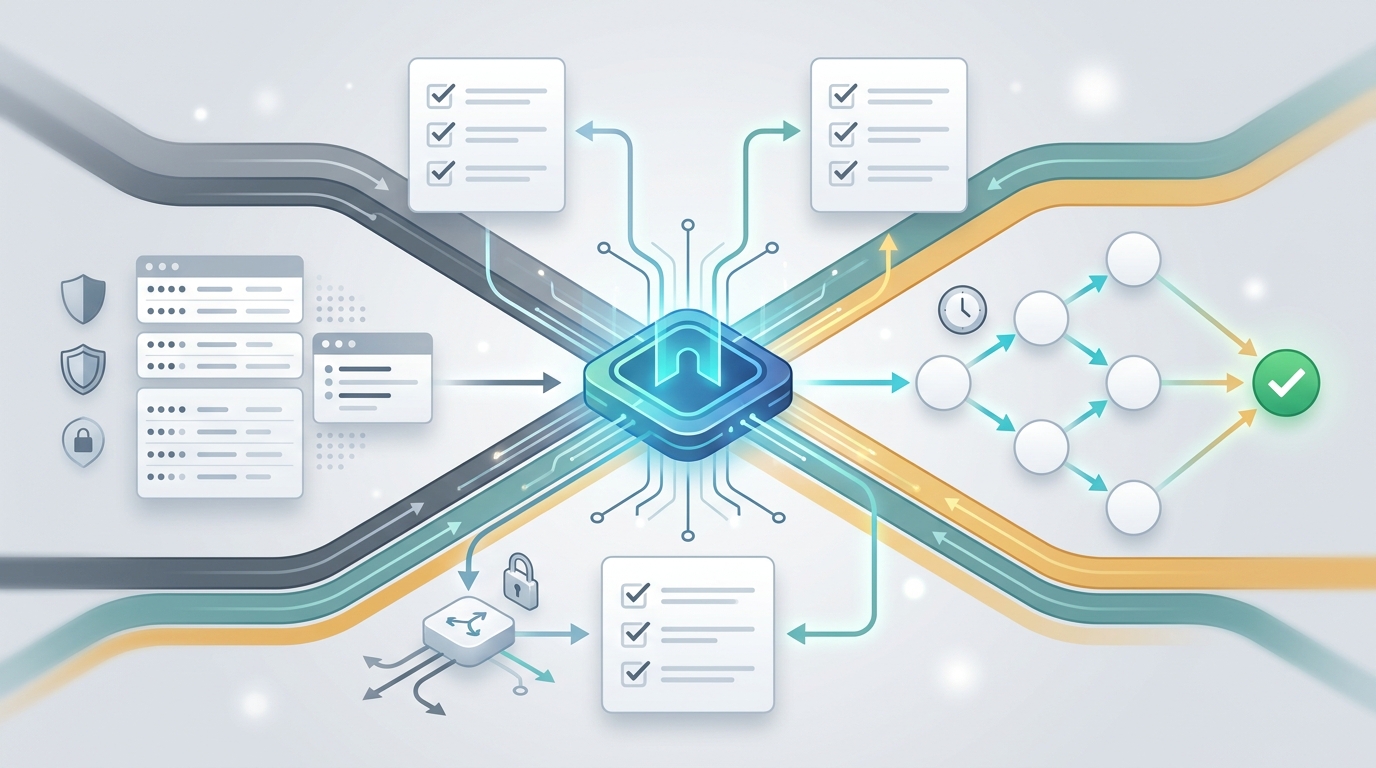
Flatkey is useful when DeepSeek API access is one model-family requirement inside a broader stack. Flatkey's public product copy says developers can access Claude, GPT, Gemini, DeepSeek, Qwen, Seedance 2.0, GPT Image, and more with one API key, without managing separate provider accounts. It also describes clear pricing, unified billing, one dashboard for keys, usage, and routing, plus automatic switching and load balancing.
The router migration pattern is intentionally small:
- Create or use a Flatkey API key.
- Point your OpenAI-compatible client at
https://router.flatkey.ai/v1. - Select a DeepSeek model ID shown in your Flatkey pricing page or dashboard.
- Run one non-critical request.
- Confirm the response, model route, usage record, and cost line in the dashboard.
import OpenAI from "openai";

const client = new OpenAI({
  apiKey: process.env.FLATKEY_API_KEY,
  baseURL: "https://router.flatkey.ai/v1"
});

const response = await client.chat.completions.create({
  model: "deepseek-v4-pro", // Confirm the current Flatkey model ID before deploy.
  messages: [
    { role: "system", content: "You are a concise technical assistant." },
    { role: "user", content: "Draft a release note for this feature." }
  ]
});

console.log(response.choices[0].message.content);
On June 11, 2026, Flatkey's public pricing endpoint returned 653 model rows and included DeepSeek rows such as deepseek-v4-flash, deepseek-v4-pro, deepseek-v3.2, deepseek-v3.2-thinking, deepseek-chat, and deepseek-reasoner. Treat that as a dated catalog snapshot, not a permanent guarantee. For production DeepSeek API access, check the live Flatkey pricing page and your account's model picker before choosing a model ID.
When A Router Helps More Than A Direct Key
A router is not automatically better than direct DeepSeek API access. It is better when the surrounding access layer is the hard part.
Router-based DeepSeek API access is a good fit when:
- Your app already calls OpenAI-compatible chat completions.
- You want to add DeepSeek without adding another provider account workflow for every developer.
- You are comparing DeepSeek against GPT, Claude, Gemini, or Qwen on the same product feature.
- You need one billing and usage review surface for a team.
- You want quota habits before traffic grows.
- You want a cleaner migration path if a model name, provider rule, or price changes.
Direct DeepSeek API access is a better fit when:
- You need a direct DeepSeek contract or provider relationship.
- You are testing DeepSeek-specific request parameters that may not be router-pass-through yet.
- Your procurement or data policy requires direct provider terms.
- You want to isolate one DeepSeek-only workload with no multi-model routing requirement.
Migration Checklist For Existing OpenAI-Compatible Apps
Use this checklist before moving DeepSeek API access into a production path.
| Step | What To Do | Why It Matters |
|---|---|---|
| 1 | List the exact workload: chat, reasoning, JSON output, tool calls, or code assistance. | DeepSeek V4 model choice and thinking mode should match the workload. |
| 2 | Choose a current model ID, preferably deepseek-v4-flash or deepseek-v4-pro when available. |
Older aliases have a dated deprecation notice in official DeepSeek docs. |
| 3 | Change the base URL and API key in a non-production environment. | This confirms the migration is really a config change, not a rewrite. |
| 4 | Send a small test prompt and inspect response shape, token usage, and errors. | OpenAI-compatible does not remove the need to validate model behavior. |
| 5 | Check billing and usage logs in DeepSeek or Flatkey, depending on access path. | Cost visibility is part of the access decision, not an afterthought. |
| 6 | Test fallback behavior for one upstream error, timeout, or quota condition. | Router users need to know what happens when a model route fails. |
| 7 | Pin model IDs in config and schedule a model-name review before July 24, 2026. | This avoids relying on deprecated aliases after DeepSeek's announced date. |
About Free DeepSeek API Access
Some searches around this topic use terms like DeepSeek API key free access, DeepSeek R1 free API access, or DeepSeek API free access limits. Do not build a production plan around those phrases unless the current provider or router page explicitly documents the offer.
DeepSeek's official pricing page is the right source for direct provider pricing. Flatkey's pricing page is the right source for Flatkey-routed usage. This article does not claim a free DeepSeek API access limit because free allowances can change quickly and must be verified at the source on the day you sign up.
Recommended Setup
For most product teams adding DeepSeek to an existing OpenAI-compatible app, start with a small router test:
- Open Flatkey's pricing page and confirm the current DeepSeek model IDs.
- Create a Flatkey key and set
baseURLtohttps://router.flatkey.ai/v1. - Run one low-risk request with
deepseek-v4-flashordeepseek-v4-proonly if the model is listed for your account. - Check the usage and billing record.
- Compare the same workload against GPT, Claude, Gemini, or Qwen if your product needs multi-model routing.
That path keeps DeepSeek API access practical. You still respect DeepSeek's official model names and deprecation notes, but you evaluate DeepSeek inside the same router, billing, and usage workflow your team can use for the rest of its model stack.
View Pricing to check Flatkey's current DeepSeek model catalog and compare routed usage before you migrate production traffic.
FAQ
What is the current DeepSeek API base URL?
For direct OpenAI-format DeepSeek API access, DeepSeek's official docs list https://api.deepseek.com. For Anthropic-format access, the docs list https://api.deepseek.com/anthropic. Through Flatkey, the OpenAI-compatible router base URL is https://router.flatkey.ai/v1.
Which DeepSeek model should I use now?
DeepSeek's current official quickstart lists deepseek-v4-flash and deepseek-v4-pro. The docs say deepseek-chat and deepseek-reasoner will be deprecated on July 24, 2026 at 15:59 UTC, so new DeepSeek API access work should avoid treating those aliases as the long-term default.
Can I use the OpenAI SDK for DeepSeek?
Yes. DeepSeek's docs state that its API format is compatible with OpenAI and Anthropic. With the OpenAI SDK, direct DeepSeek access uses DeepSeek's base URL and key. With Flatkey, router-based DeepSeek API access uses Flatkey's base URL and key.
Does Flatkey provide free DeepSeek API access?
This guide does not claim free DeepSeek API access. Check the current Flatkey pricing page for routed usage and DeepSeek's official pricing page for direct-provider pricing.
Why use Flatkey instead of a direct DeepSeek key?
Use Flatkey when DeepSeek is part of a multi-model stack and you want one API key, unified billing, usage visibility, and an OpenAI-compatible router. Use direct DeepSeek API access when you need a direct provider account, direct DeepSeek support path, or provider-specific request behavior.